Instant Floor Plans. Instant Estimates. DocuSketch° 360 AI — Webinar Replay + Top Questions Answered

5 min read
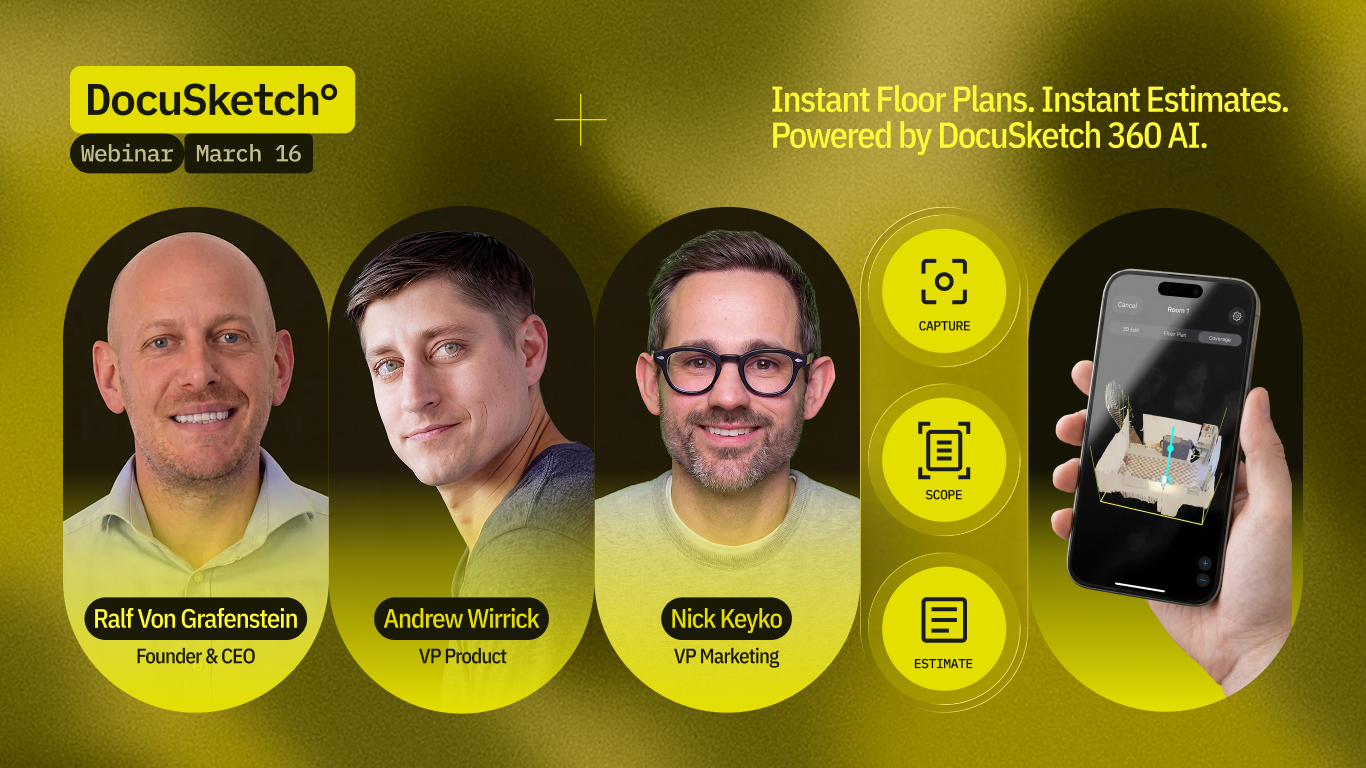
On March 16, we introduced something big.
DocuSketch° 360 AI — the ability to go from 360° capture to floor plan to preliminary mitigation estimate in a single site visit.
If you missed it, you can watch the full webinar replay here.
With DocuSketch° 360 AI, the estimate gets started before you leave the job site.
No new workflows. No new hardware. Just faster documentation, instant sketches and estimates, built on top of what you’re already doing.
The launch event sparked a lot of engagement — hundreds of questions from more than 1,000 attendees. Here are the questions that came up most.
Reconstruction & Rebuild
“When will DocuSketch instant estimates support reconstruction estimates?”
Right now, 360 AI is focused on preliminary mitigation estimating — and we want to be clear about that.
In the meantime, DocuSketch remains the go-to documentation platform for reconstruction work, and DocuSketch Estimating supports reconstruction estimates today.
Integrations
“Will DocuSketch° 360 AI work with Xactimate?”
The Xactimate integration is in progress. We’re building output to align with carrier requirements and estimating platforms, with additional integrations being explored.
Pricing & Packaging
“How will instant sketches and estimates be priced?”
We’ve heard the feedback on sketch pricing — especially around the cost of smaller jobs. With the release of DocuSketch° 360 AI, the price of an instant sketch will be reduced to under $30.
Full pricing details will be available closer to launch.
Psychrometry & Drying Logs
“Can I handle moisture mapping, drying logs, and psychrometrics in DocuSketch?”
Not yet. Drying logs are planned for Summer 2026. Today, you’ll still use your existing drying tools alongside DocuSketch.
We know how critical this is. The goal is a complete mitigation documentation workflow in one place.
Compliance & Carrier Requirements
“Will this meet carrier and TPA requirements?”
DocuSketch° 360 AI is built on IICRC S500 standards and designed with carrier compliance in mind from the start.
The direction is clear: estimates and documentation that align with how work actually gets approved.
Hardware
“Do I need new equipment?”
No.
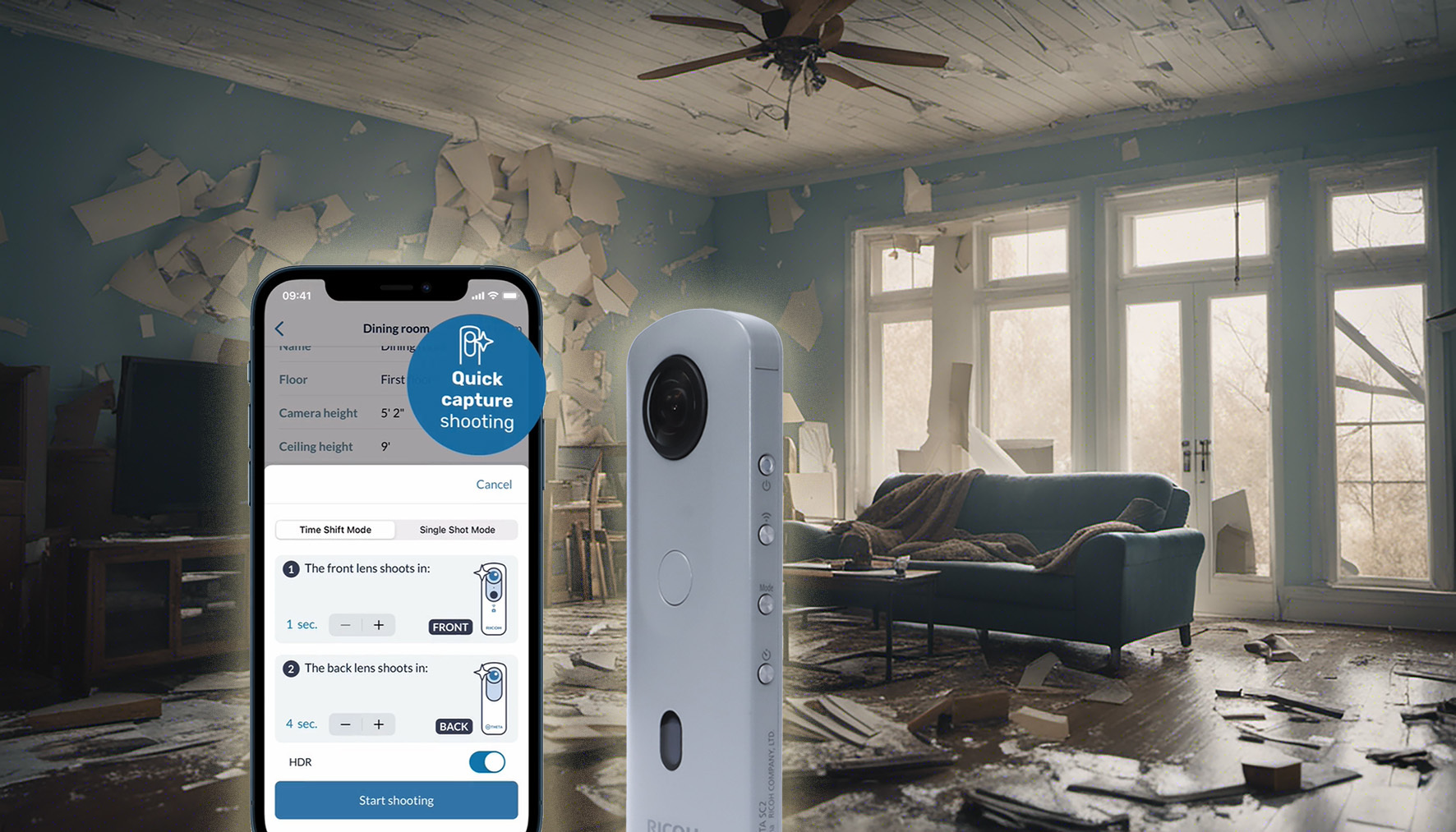
Your existing DS1 or Ricoh Theta camera works, using the same capture process your team already follows.
That means no added cost, no retraining, and no workflow disruption.
iPhone and iPad LiDAR capture are being explored, but not confirmed.
Speed & Accuracy
“How fast is this — and can I trust it?”
DocuSketch has always been built on accurate documentation first — that doesn’t change.
360 AI adds speed by connecting capture, floor plan, scope, and a preliminary estimate into a single workflow.
You still review and finalize everything. You stay in control. You just get to the sketch and estimate faster.
Workflow in the Field
“Does this change how my team works?”
Not dramatically — and that’s intentional.
You can generate a floor plan on-site, instantly. You can speak your scope and have it structured automatically, and start building a preliminary estimate before leaving the job.
At the same time, your capture process stays the same, and your team remains in control of reviewing and validating the work.
The result is fewer disconnected steps and less back-and-forth later.
What DocuSketch° 360 AI Changes
This is about getting to an estimate faster — without adding work for your team.
Capture the job like you normally would. But instead of that information sitting in separate tools or getting rebuilt later, it flows straight into a floor plan, a scope, and a preliminary estimate while you’re still on-site.
That means less back-and-forth, fewer delays, and a faster path from first visit to approved work.
Get Early Access
If you want to see how this fits into your workflow, you can sign up for early access here: https://www.docusketch.com/beta-instant
On March 16, we introduced something big.
DocuSketch° 360 AI — the ability to go from 360° capture to floor plan to preliminary mitigation estimate in a single site visit.
If you missed it, you can watch the full webinar replay here.
With DocuSketch° 360 AI, the estimate gets started before you leave the job site.
No new workflows. No new hardware. Just faster documentation, instant sketches and estimates, built on top of what you’re already doing.
The launch event sparked a lot of engagement — hundreds of questions from more than 1,000 attendees. Here are the questions that came up most.
Reconstruction & Rebuild
“When will DocuSketch instant estimates support reconstruction estimates?”
Right now, 360 AI is focused on preliminary mitigation estimating — and we want to be clear about that.
In the meantime, DocuSketch remains the go-to documentation platform for reconstruction work, and DocuSketch Estimating supports reconstruction estimates today.
Integrations
“Will DocuSketch° 360 AI work with Xactimate?”
The Xactimate integration is in progress. We’re building output to align with carrier requirements and estimating platforms, with additional integrations being explored.
Pricing & Packaging
“How will instant sketches and estimates be priced?”
We’ve heard the feedback on sketch pricing — especially around the cost of smaller jobs. With the release of DocuSketch° 360 AI, the price of an instant sketch will be reduced to under $30.
Full pricing details will be available closer to launch.
Psychrometry & Drying Logs
“Can I handle moisture mapping, drying logs, and psychrometrics in DocuSketch?”
Not yet. Drying logs are planned for Summer 2026. Today, you’ll still use your existing drying tools alongside DocuSketch.
We know how critical this is. The goal is a complete mitigation documentation workflow in one place.
Compliance & Carrier Requirements
“Will this meet carrier and TPA requirements?”
DocuSketch° 360 AI is built on IICRC S500 standards and designed with carrier compliance in mind from the start.
The direction is clear: estimates and documentation that align with how work actually gets approved.
Hardware
“Do I need new equipment?”
No.
Your existing DS1 or Ricoh Theta camera works, using the same capture process your team already follows.
That means no added cost, no retraining, and no workflow disruption.
iPhone and iPad LiDAR capture are being explored, but not confirmed.
Speed & Accuracy
“How fast is this — and can I trust it?”
DocuSketch has always been built on accurate documentation first — that doesn’t change.
360 AI adds speed by connecting capture, floor plan, scope, and a preliminary estimate into a single workflow.
You still review and finalize everything. You stay in control. You just get to the sketch and estimate faster.
Workflow in the Field
“Does this change how my team works?”
Not dramatically — and that’s intentional.
You can generate a floor plan on-site, instantly. You can speak your scope and have it structured automatically, and start building a preliminary estimate before leaving the job.
At the same time, your capture process stays the same, and your team remains in control of reviewing and validating the work.
The result is fewer disconnected steps and less back-and-forth later.
What DocuSketch° 360 AI Changes
This is about getting to an estimate faster — without adding work for your team.
Capture the job like you normally would. But instead of that information sitting in separate tools or getting rebuilt later, it flows straight into a floor plan, a scope, and a preliminary estimate while you’re still on-site.
That means less back-and-forth, fewer delays, and a faster path from first visit to approved work.
Get Early Access
If you want to see how this fits into your workflow, you can sign up for early access here: https://www.docusketch.com/beta-instant

Related Articles





.png)