The $20,000 Floor: Why We Document Every Job, Every Time

The best documentation habits often develop on the jobs where nothing goes wrong. Crews capture the work, the file closes, and nobody thinks about it again. That's the point. Because when a question does come up months later, the answer is already sitting there waiting.
I work with franchise teams every day, and the ones who document every element of every job aren't being paranoid. They've just seen what happens to the teams that don't. The best case for it I've ever heard came from my colleague Nelson Higgins, and it starts with a brand-new hardwood floor.
A Brand-New Floor, Scratched to Pieces
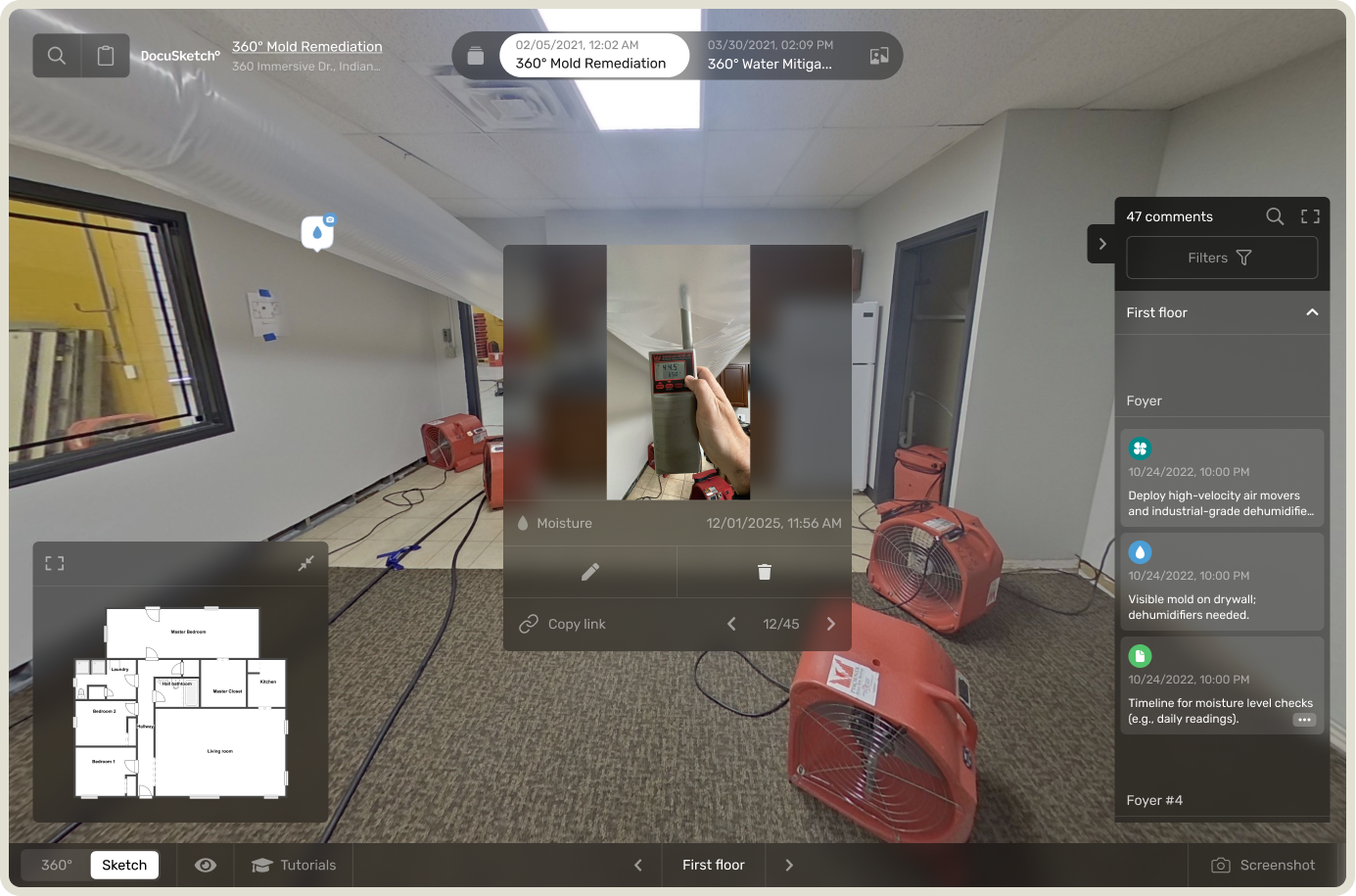
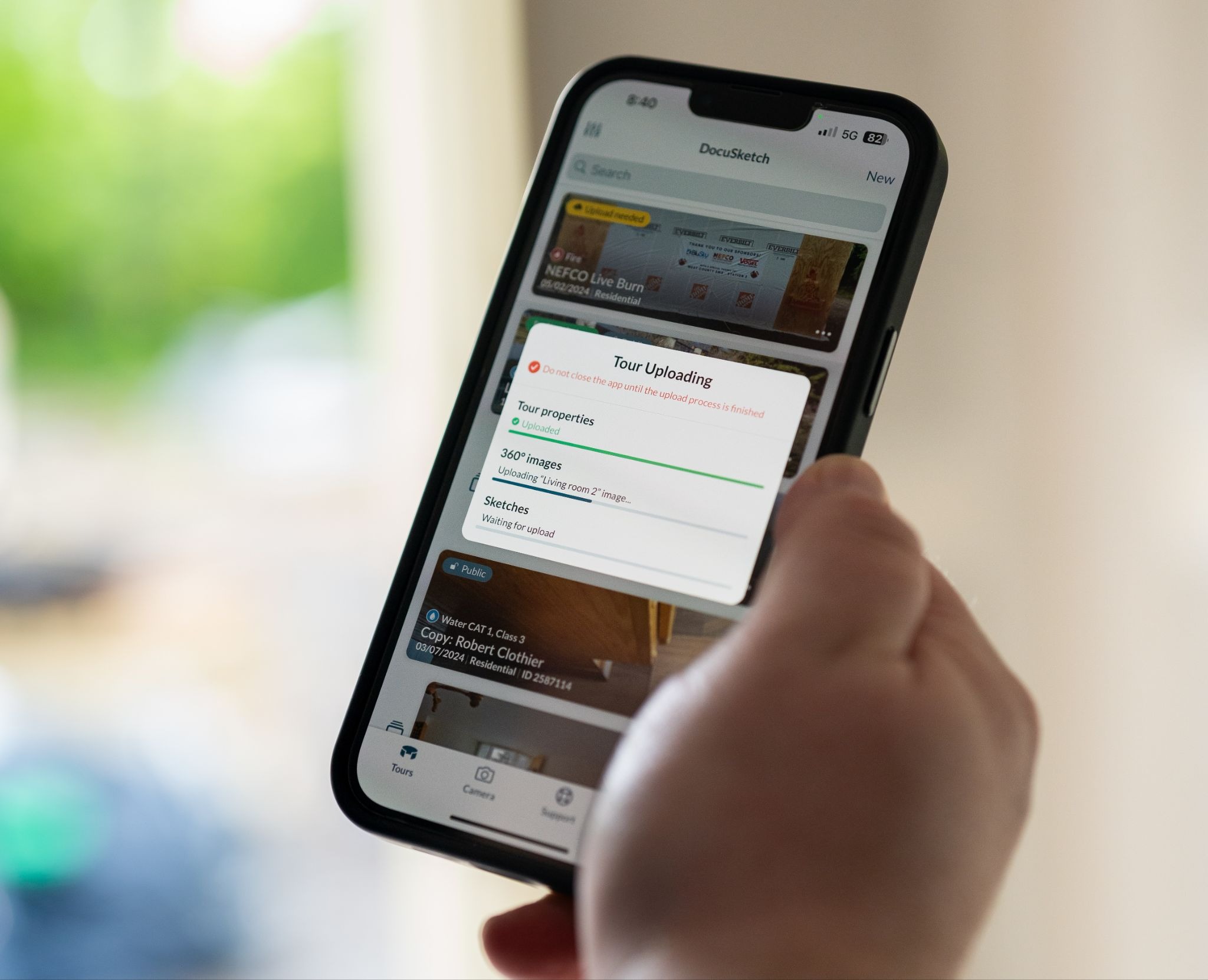
A contractor Nelson Higgins works with has all of their subtrades documented with DocuSketch, so they can see every step of every job. On one project, the flooring company had to replace all the hardwood in a house. Every piece of furniture came out so the crew could do the work. They laid the new floor, captured the finished job in DocuSketch, and left.
A few days later, the homeowner was furious. Scratches all over the floor. It looked destroyed.
The contractor pulled up the tour. No scratches anywhere. The floor was clean when the crew walked out, and they had the visual record to prove it.
It took about three days, with everyone involved, to piece together what actually happened. The homeowner's kids had come home from school to a house with no furniture in it. Empty rooms, brand-new hardwood. So they grabbed their sticks and played floor hockey through the house.
That floor cost $20,000 to replace. As Nelson puts it, without the documentation, "the contractor would've been on the hook for it."
After a Loss, Homeowners Notice Everything
When something goes wrong in a house, people start looking at their home differently. They notice the scuff on the wall, the dent on the fridge, the scratch on the floor. Some of it was there for years. But once a crew has been through the house, every mark looks like new damage, and the contractor is the easiest explanation.
That's why the question I ask franchise teams is never whether a dispute will come up. It's whether they'll have an answer when it does. I've had customers tell me a single photo saved them from paying roughly $2,000 for a refrigerator they never scratched. One tour, taken in the right place at the right time.
With that record in hand, "maybe we did, maybe we didn't" becomes a question anyone can answer in about thirty seconds.
How to Document So It Protects You
Knowing you should document everything is one thing. Building the habit into every job is another. My colleague Robb Harrell teaches this in the field, and his approach comes down to two workflows.
Documenting pre-existing damage. When you walk into a project and there's already damage you didn't cause, capture it before you touch anything:
- Place a pre-existing damage arrow card next to the damage.
- Lay a tape measure down to show its size.
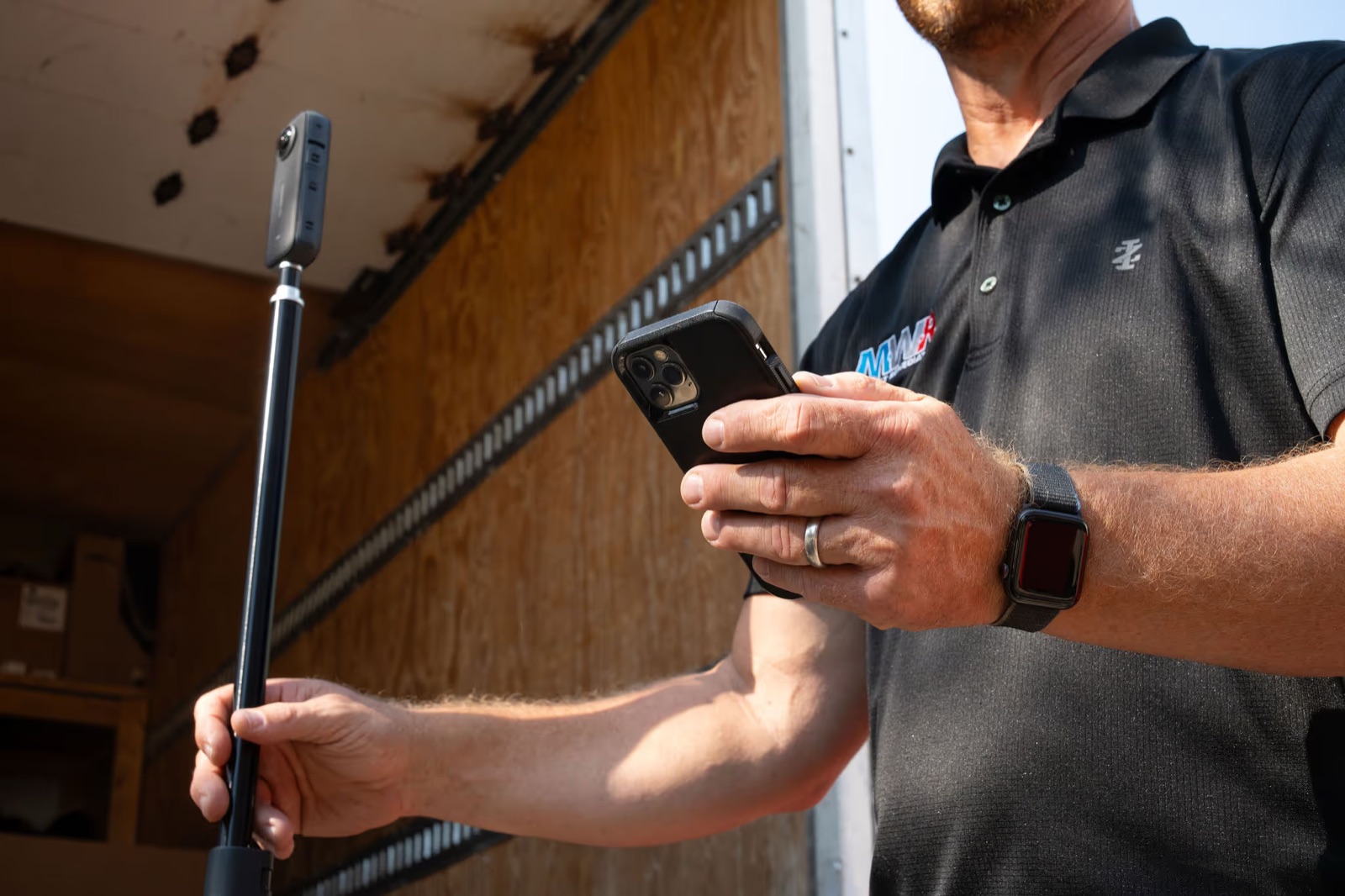
- Open the tour on any smart device and hold on the screen to open the camera.
- Take the photo, then use talk-to-text to describe it. Something as simple as "3-foot scratch on vinyl floor in the kitchen" works.
- Save and upload.
Capturing timelines as the job changes. A timeline shows the state of the job at every stage. On a water loss, Robb recommends capturing:
- The initial tour, including pre-existing damage and site conditions like no power or plumbing issues.
- After mitigation or emergency services, like extraction and demo.
- The following day, once equipment has been manipulated or scope has changed.
- Any time there's a significant scope change: contents, board-up, anything that shifts the project.
Notice what saved the flooring crew in Nelson's story: the capture they took on their way out the door. The record of the finished job matters just as much as the record of the damage you walked into.
You Never Know Which Job Will Need It
Every franchise team I talk to has a version of this story waiting to happen. A floor, a fridge, a countertop. Something that was fine when the crew left and "destroyed" by the time the phone rang.
The teams that come out of those calls whole are the ones that documented everything, every time, on every job. Not because they expected that job to go sideways, but because there's no way to know which one will.
If your team is documenting only when something looks risky, you're protected only on the jobs you guessed right.
The best documentation habits often develop on the jobs where nothing goes wrong. Crews capture the work, the file closes, and nobody thinks about it again. That's the point. Because when a question does come up months later, the answer is already sitting there waiting.
I work with franchise teams every day, and the ones who document every element of every job aren't being paranoid. They've just seen what happens to the teams that don't. The best case for it I've ever heard came from my colleague Nelson Higgins, and it starts with a brand-new hardwood floor.
A Brand-New Floor, Scratched to Pieces
A contractor Nelson Higgins works with has all of their subtrades documented with DocuSketch, so they can see every step of every job. On one project, the flooring company had to replace all the hardwood in a house. Every piece of furniture came out so the crew could do the work. They laid the new floor, captured the finished job in DocuSketch, and left.
A few days later, the homeowner was furious. Scratches all over the floor. It looked destroyed.
The contractor pulled up the tour. No scratches anywhere. The floor was clean when the crew walked out, and they had the visual record to prove it.
It took about three days, with everyone involved, to piece together what actually happened. The homeowner's kids had come home from school to a house with no furniture in it. Empty rooms, brand-new hardwood. So they grabbed their sticks and played floor hockey through the house.
That floor cost $20,000 to replace. As Nelson puts it, without the documentation, "the contractor would've been on the hook for it."
After a Loss, Homeowners Notice Everything
When something goes wrong in a house, people start looking at their home differently. They notice the scuff on the wall, the dent on the fridge, the scratch on the floor. Some of it was there for years. But once a crew has been through the house, every mark looks like new damage, and the contractor is the easiest explanation.
That's why the question I ask franchise teams is never whether a dispute will come up. It's whether they'll have an answer when it does. I've had customers tell me a single photo saved them from paying roughly $2,000 for a refrigerator they never scratched. One tour, taken in the right place at the right time.
With that record in hand, "maybe we did, maybe we didn't" becomes a question anyone can answer in about thirty seconds.
How to Document So It Protects You
Knowing you should document everything is one thing. Building the habit into every job is another. My colleague Robb Harrell teaches this in the field, and his approach comes down to two workflows.
Documenting pre-existing damage. When you walk into a project and there's already damage you didn't cause, capture it before you touch anything:
- Place a pre-existing damage arrow card next to the damage.
- Lay a tape measure down to show its size.
- Open the tour on any smart device and hold on the screen to open the camera.
- Take the photo, then use talk-to-text to describe it. Something as simple as "3-foot scratch on vinyl floor in the kitchen" works.
- Save and upload.
Capturing timelines as the job changes. A timeline shows the state of the job at every stage. On a water loss, Robb recommends capturing:
- The initial tour, including pre-existing damage and site conditions like no power or plumbing issues.
- After mitigation or emergency services, like extraction and demo.
- The following day, once equipment has been manipulated or scope has changed.
- Any time there's a significant scope change: contents, board-up, anything that shifts the project.
Notice what saved the flooring crew in Nelson's story: the capture they took on their way out the door. The record of the finished job matters just as much as the record of the damage you walked into.
You Never Know Which Job Will Need It
Every franchise team I talk to has a version of this story waiting to happen. A floor, a fridge, a countertop. Something that was fine when the crew left and "destroyed" by the time the phone rang.
The teams that come out of those calls whole are the ones that documented everything, every time, on every job. Not because they expected that job to go sideways, but because there's no way to know which one will.
If your team is documenting only when something looks risky, you're protected only on the jobs you guessed right.

Related Articles





%20(1).jpg)